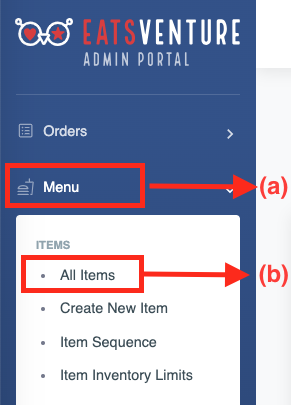
a) Tap on (a)'Menu' option in admin portal. And tap on (b)All Items.
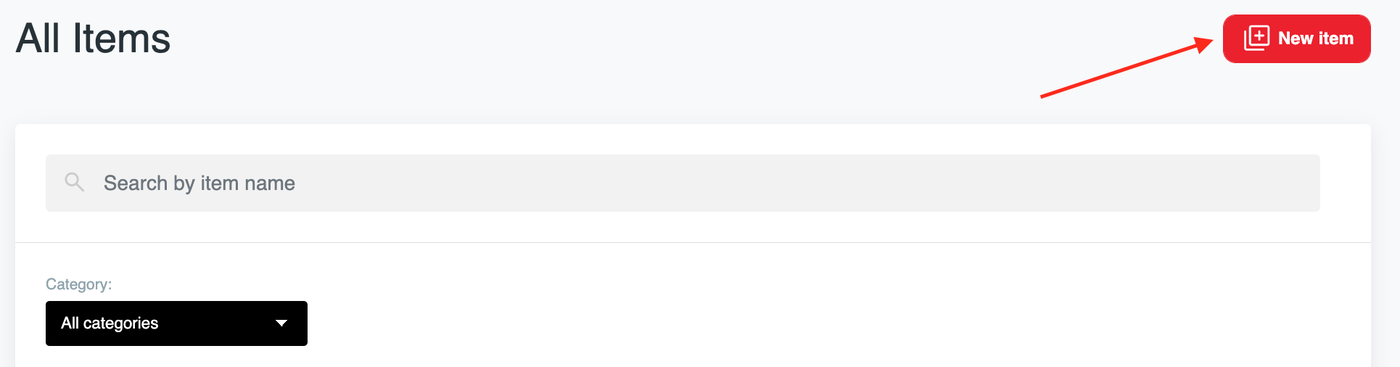
b) Select New item .
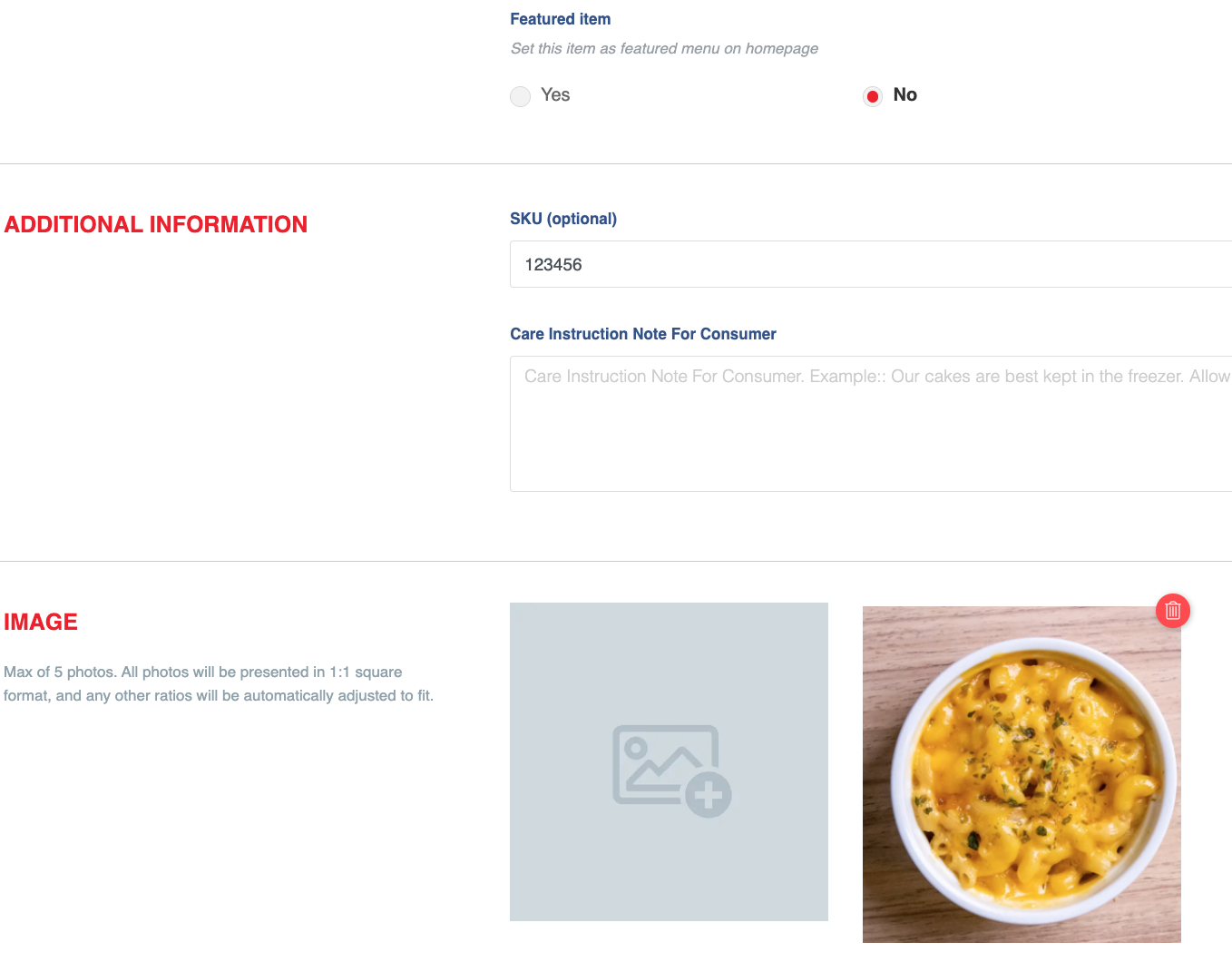
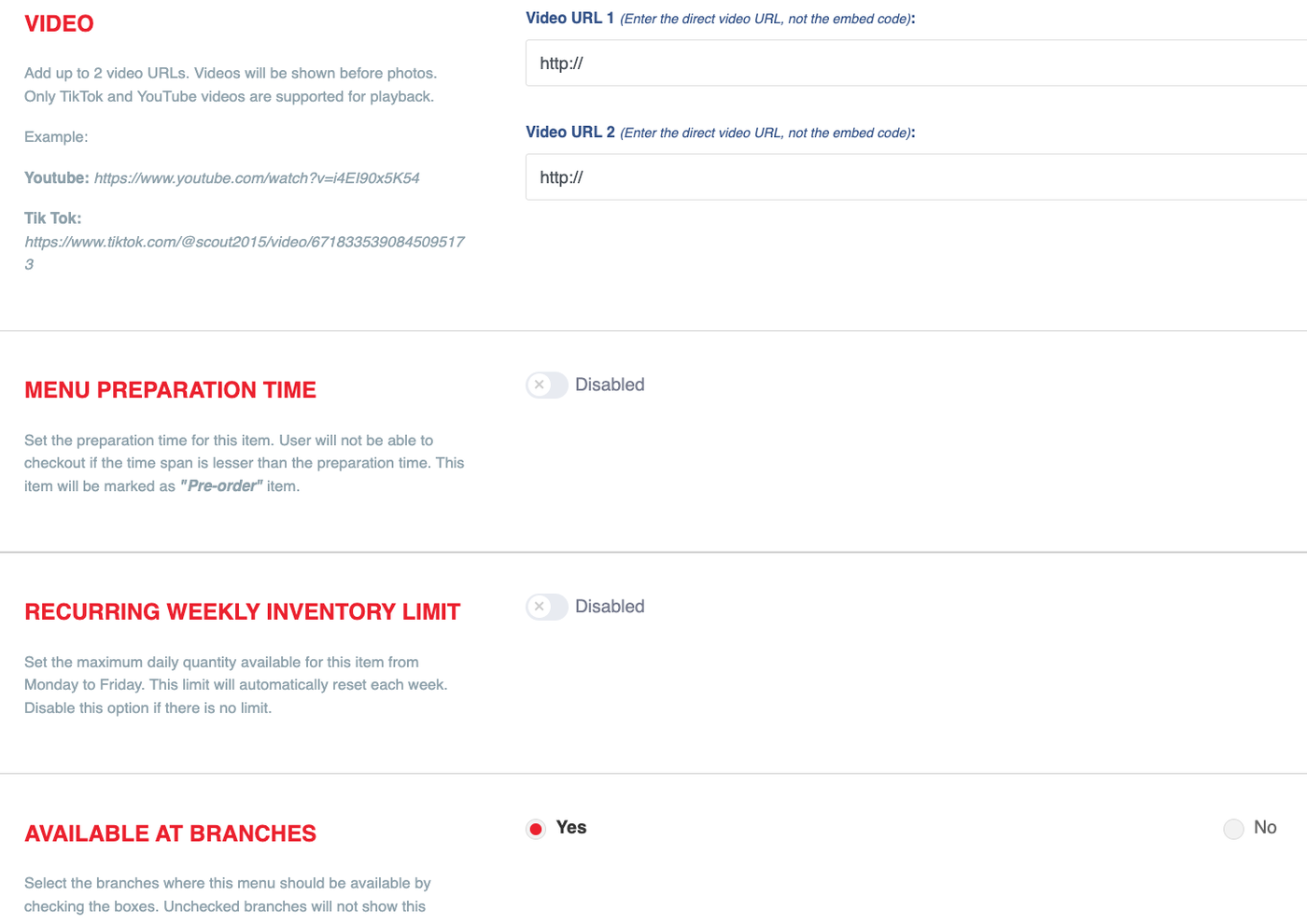
c) Complete all required menu information, including the item image.(Please refer to the photo below to fill in the details).
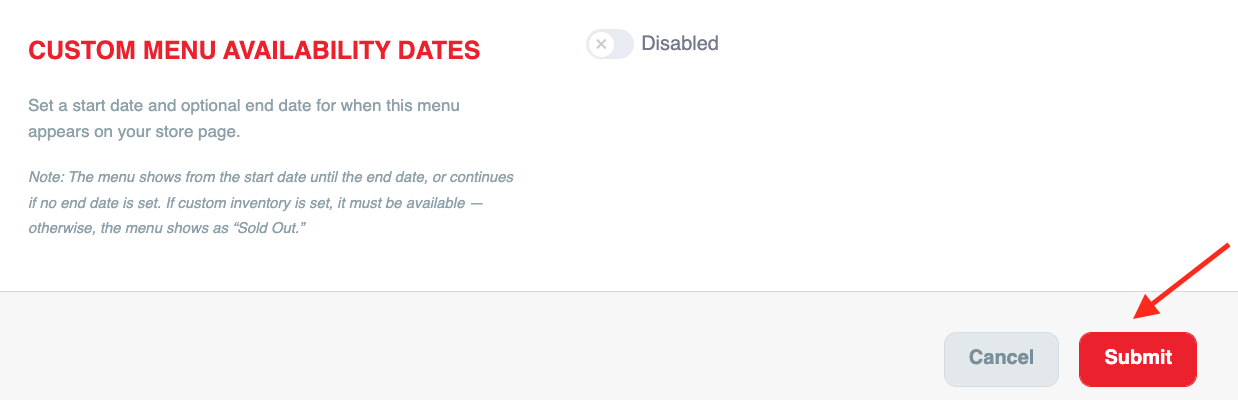
d) Once all menu details are filled in, click ‘Submit’ to add the new menu.