When a new order comes in, the New Order button will flash. There will also be a sound notification, please ensure your volume is on. Push notification is sent 30 minutes before the time slot starts and then the push reminders if it's not accepted
a) This page allows you to check current and upcoming orders.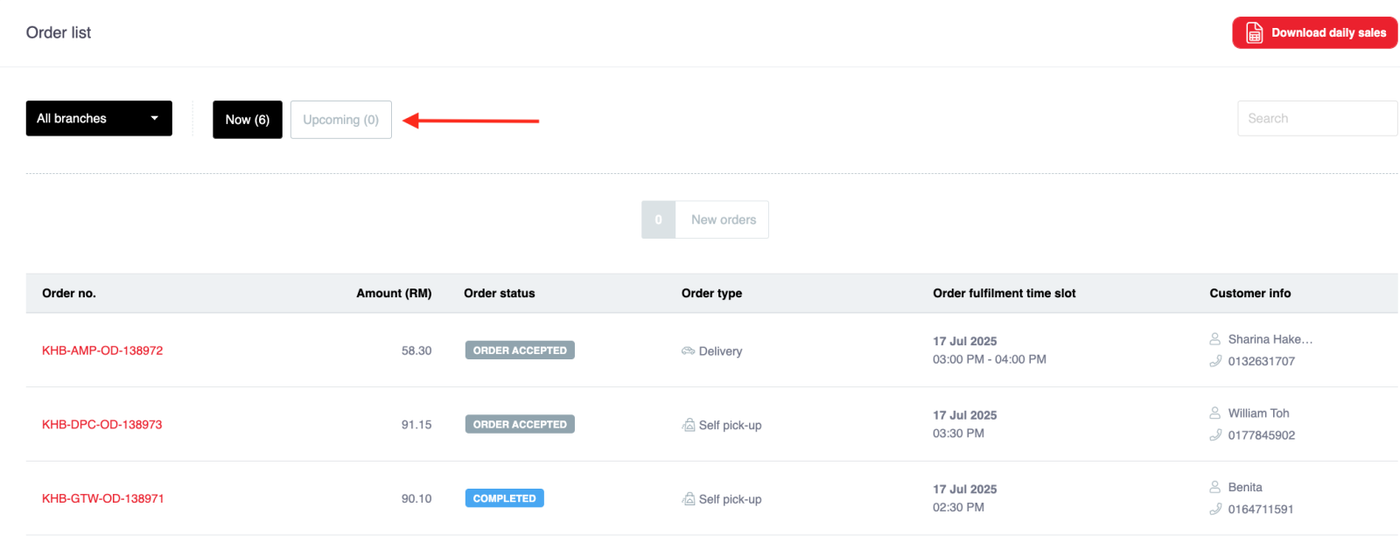
c) Tap the Order ID number to review a pending acceptance order.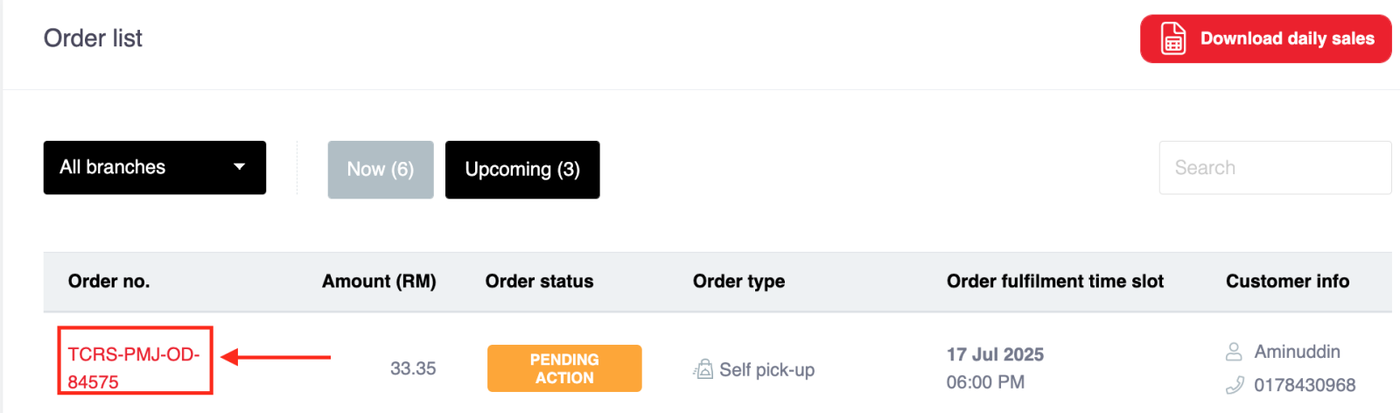
d) Tap on 'Accept Order' button to proceed. The Rider For delivery orders can then be requested by clicking on the Accept order button. The delivery order pick up time can be scheduled for a specific time slot.
For self-pick up orders, the order status ready for pick-up should be updated once the order is completed by Clicking the Accept order button (this step is important to keep customers informed).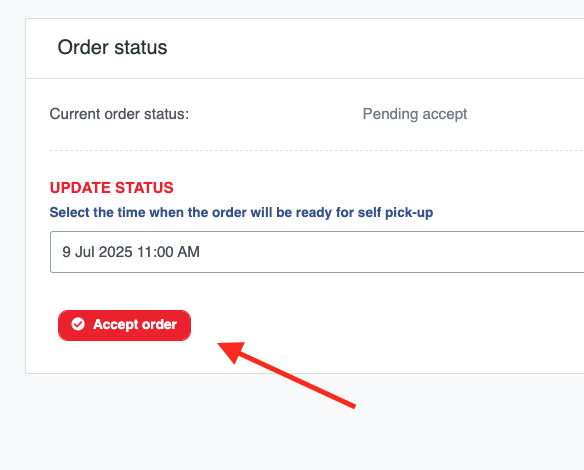
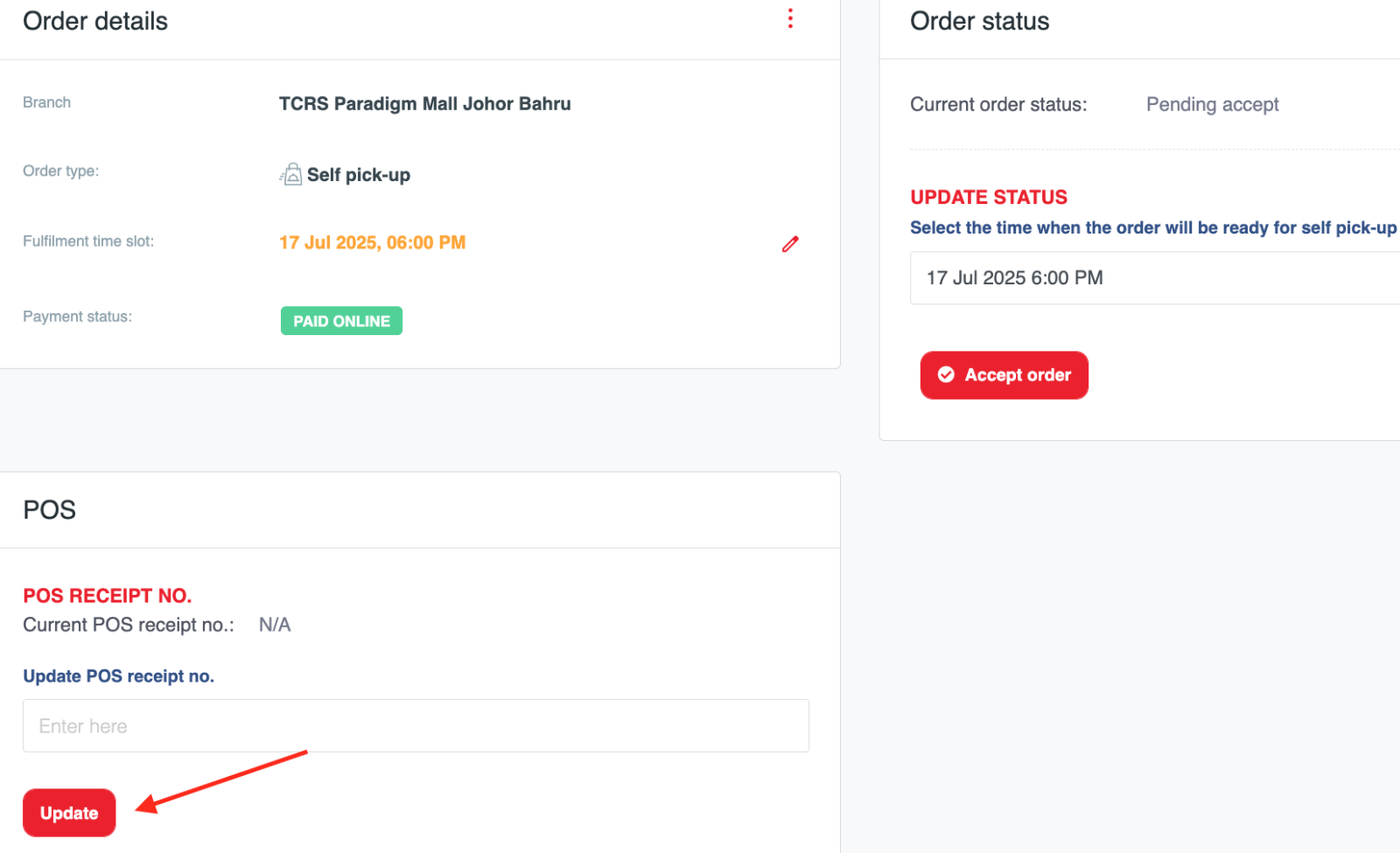
e) Key in the order in your POS system and inform your kitchen to prepare the order.